
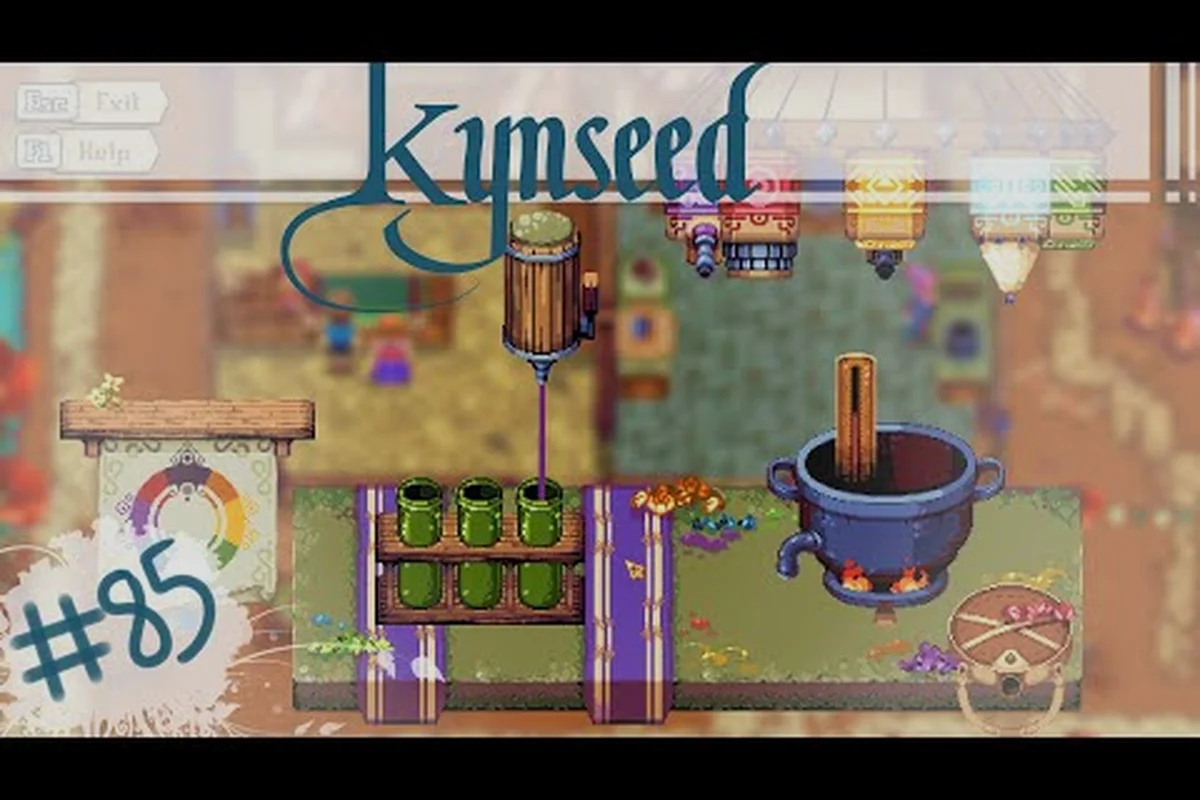
Kynseed, the whimsical life simulation RPG from PixelCount Studios, has always been a game about the slow burn. You plant crops, build relationships, explore dungeons, and eventually pass your legacy down to the next generation. But for a long time, that slow burn came with friction. Clunky menus, repetitive tool swapping, and opaque systems made even simple tasks feel like chores. That's where the recent wave of quality of life improvements comes in.
Over the course of several major patches, PixelCount Studios has rolled out a comprehensive set of UI enhancements and gameplay refinements designed to smooth out the rough edges without sacrificing the game's signature charm. Whether you're a returning player or jumping in fresh, these changes fundamentally reshape how the game feels to play. This article breaks down the most impactful Kynseed QoL updates, from inventory overhauls to combat tweaks, and explains how each one makes life in the Vale a little easier.
The Evolution of Kynseed's User Interface
The user interface in Kynseed was, for a long time, one of the most polarizing aspects of the game. Early access players frequently complained about the sheer number of clicks required to perform basic actions. The development team listened, and the result has been a steady stream of UI enhancements that prioritize speed and clarity.
Inventory Management Overhaul
The old inventory system forced players to open a full-screen menu every time they wanted to swap tools, consume food, or check their quest items. The new system introduces a quick-access hotbar that sits at the bottom of the screen, allowing you to cycle through your most-used items with a single key press. This alone has cut down on menu navigation time by a significant margin.
Beyond the hotbar, the inventory grid itself received a visual refresh. Items now display clearer icons, and the game automatically sorts new pickups into logical categories. You can also pin items to the hotbar directly from the inventory screen, which eliminates the need to drag-and-drop across multiple menus. For players who spend a lot of time farming, this inventory management upgrade is a game-changer.
Map and Fast Travel Improvements
Navigating the sprawling world of Kynseed used to mean a lot of walking. The map screen was functional but sparse, offering little in the way of wayfinding. The updated map now includes fast travel waypoints at every major settlement, including Puddleby, the Fair, and the various dungeon entrances. Unlocking a waypoint is as simple as visiting the location once, and the travel animation is quick enough that you won't feel punished for using it.
The map itself also received a legibility pass. Points of interest are now marked with distinct icons, and the player's current position is highlighted with a much clearer indicator. If you're chasing down a specific NPC for a quest, you can even toggle a filter that shows only character locations. These map improvements make the world feel far less intimidating, especially for new players.
| Feature | Before QoL Update | After QoL Update |
|---|---|---|
| Tool access | Full-screen menu required | Quick-access hotbar |
| Map navigation | Sparse waypoints, no filters | Fast travel + POI icons |
| Inventory sorting | Manual drag-and-drop | Auto-categorization |
| Item information | Minimal tooltips | Detailed descriptions |
Farming and Crafting Refinements
Farming is the backbone of Kynseed's economy, and it's also where the game's friction was most noticeable. Planting, watering, and harvesting each required a different tool, and switching between them was a chore. The farming refinements introduced in recent patches address this head-on.
Tool Selection and Auto-Switching
The biggest quality-of-life win for farmers is the new auto-switching system. When you walk up to a tilled plot, the game automatically equips the appropriate tool. Approach a dry patch of soil and your hoe comes out; walk over to a thirsty crop and your watering can is ready. This might sound like a small change, but it transforms the rhythm of daily farm work. Instead of fumbling through your hotbar, you can simply walk the rows and let the game handle the rest.
For players who prefer manual control, the tool belt can still be customized with your favorite implements. The auto-switch feature is entirely optional, and you can toggle it off in the settings menu. But for most players, it's the kind of gameplay refinement that you never knew you needed until you try it.
Crafting Queue System
Crafting in Kynseed used to be a one-at-a-time affair. Want to make a dozen pies for the fair? You'd have to click through the same animation and menu twelve times. The new crafting queue system lets you set a batch number, and the character will automatically work through the entire queue. This is a massive time-saver for anyone who likes to stockpile goods for sale or gifts.
The crafting interface itself also got a facelift. Recipes are now grouped by category, and the materials list shows exactly what you have on hand versus what you still need. A "craft all" button appears when you have enough resources for multiple items, and the game will even pause the queue if you run out of a key ingredient. These crafting improvements make the entire production pipeline feel much more streamlined.
| Farming QoL Feature | Description | Impact |
|---|---|---|
| Auto tool switching | Context-sensitive tool equipping | Reduces hotbar micromanagement |
| Crafting queue | Batch crafting for multiple items | Saves time on bulk production |
| Plot status indicators | Visual cues for soil and crop health | Easier farm management |
| Seed sorting | Seeds grouped by season and type | Faster planting decisions |
Combat and Dungeon Quality of Life
Combat in Kynseed has always been charming but a little rough around the edges. The combat feedback improvements in recent patches have made fights feel more responsive and fair, while the dungeon experience has been smoothed out considerably.
Combat Feedback Improvements
One of the most noticeable changes is the addition of hit-stop and screen shake. When your sword connects with an enemy, there's now a brief pause that makes the impact feel weighty. Enemy attacks, meanwhile, have clearer telegraphs. A glowing aura or a quick wind-up animation tells you exactly when to dodge, which reduces the frustration of taking cheap hits.
The lock-on system also received some love. In the past, locking onto a target could feel sticky and unpredictable, especially when multiple enemies were on screen. The refined system now prioritizes the nearest threat and allows you to cycle between targets with a simple input. These combat improvements make dungeon crawling significantly more enjoyable, especially for players who found the old system too chaotic.
Dungeon Checkpoints
Dungeons in Kynseed are multi-floor gauntlets, and dying deep inside one used to mean restarting from the very beginning. The new dungeon checkpoints system adds a save point at the start of each floor. When you die, you respawn at the most recent checkpoint with your inventory intact, though you'll still lose any progress made on that floor's objectives.
This change has been a huge relief for players tackling the game's tougher dungeons. It also encourages more experimentation, since the penalty for failure is no longer so punishing. The checkpoints are clearly marked on the map, and the game even adds a subtle visual indicator when you're near one. For anyone who loves the life cycle progression aspect of Kynseed but dreaded the combat, this is a welcome middle ground.
| Combat QoL Feature | Before | After |
|---|---|---|
| Hit feedback | Minimal impact | Hit-stop + screen shake |
| Enemy telegraphs | Vague animations | Clear glowing indicators |
| Lock-on targeting | Sticky and unpredictable | Prioritizes nearest threat |
| Dungeon deaths | Full restart | Floor-based checkpoints |
Life Cycle and Relationship Streamlining
Kynseed's unique generational system is what sets it apart from other life sims, but it also introduced some complexity that could feel overwhelming. The life cycle progression updates have focused on making the transition between generations smoother and more meaningful.
Generational Handoff
When your character grows old and passes the torch to their heir, the game used to dump a wall of text on you explaining everything you'd inherited. The new generational handoff system presents this information as a clean, interactive summary. You can see exactly which skills, items, and relationships carried over, and you can even make a few choices about how to distribute your legacy before the new character takes over.
The handoff also now includes a brief tutorial overlay that reintroduces core mechanics. This is especially helpful for players who might have taken a break between generations and need a refresher. The entire process feels less like a chore and more like a meaningful story beat, which is exactly what the game's narrative deserves.
Relationship UI Enhancements
Tracking your relationships with the dozens of NPCs in Kynseed used to require a lot of mental math. The updated relationship UI now shows a clear heart meter for each character, along with a breakdown of what factors are influencing their opinion of you. Gifts, conversations, and quest completions all show up as positive modifiers, while ignored promises and rude interactions appear as negatives.
The relationship screen also includes a "daily routine" tab for each NPC, so you can figure out where to find them without staking out their house for an entire in-game day. This is a subtle but powerful UI enhancement that makes the social side of Kynseed far more approachable. You can finally plan your day around visiting multiple characters without wasting hours of in-game time.
Community-Driven Improvements
PixelCount Studios has been remarkably transparent about their development process, and many of the best Kynseed QoL changes came directly from player feedback. The studio regularly posts dev diaries and patch notes that break down what they're working on and why.
Player Feedback Implementation
The game's Steam community forums and Discord server are full of suggestions, and the developers have a habit of implementing the most popular ones. The crafting queue, for example, was a direct request from players who were tired of repetitive clicking. The auto-switching tools were another community favorite. This player feedback loop has created a sense of ownership among the fanbase, and it's one of the reasons the game has maintained such a dedicated following.
Accessibility Options
The QoL updates also include a range of accessibility options that make the game playable for a wider audience. You can now adjust text size, toggle screen shake, and enable a colorblind-friendly palette for the UI. There's also a "relaxed mode" that reduces the penalty for death and slows down the in-game clock, giving players more time to explore without feeling rushed.
These options are tucked into a dedicated accessibility menu, and the game remembers your preferences across sessions. It's a thoughtful addition that shows PixelCount Studios cares about more than just the hardcore simulation crowd. For a game that's all about living a life at your own pace, these gameplay refinements feel right at home.
Frequently Asked Questions
Does Kynseed have a fast travel system?
Yes, the recent quality of life updates added a fast travel system with waypoints at every major settlement and dungeon entrance. You unlock each waypoint by visiting the location once, and you can travel between unlocked points instantly from the map screen. This dramatically reduces the time spent walking across the map.
Can I disable auto tool switching in Kynseed?
Absolutely. The auto tool switching feature is entirely optional. You can toggle it off in the settings menu if you prefer to manually select your tools from the hotbar. Many players enjoy the manual approach for the extra control it provides, so the game gives you the choice.
How do dungeon checkpoints work in Kynseed?
Dungeon checkpoints are save points located at the start of each floor. When you die, you respawn at the most recent checkpoint with your inventory intact. You'll need to redo any objectives on that floor, but you won't lose progress from earlier floors. This makes dungeon exploration much less punishing.
Conclusion
Kynseed's quality of life improvements have transformed the game from a charming but clunky experience into a polished life simulation that respects your time. The UI enhancements, farming refinements, and combat improvements all work together to reduce friction while preserving the game's unique identity. Whether you're a veteran player returning for a new generation or a newcomer curious about the hype, there's never been a better time to dive into the Vale.
The development team at PixelCount Studios continues to iterate, and the player feedback loop shows no signs of slowing down. If you're interested in learning more about the game's core systems